v1.0.3 is now available 🎉
Mini Clipboard
Lightweight, beautiful, and super handy macOS clipboard manager.
Designed to improve efficiency, making every copy and paste handy.
Core Features
Every detail is built for efficiency
Mini Clipboard is not just a record, but a capable assistant in your workflow.
Multi-type Capture
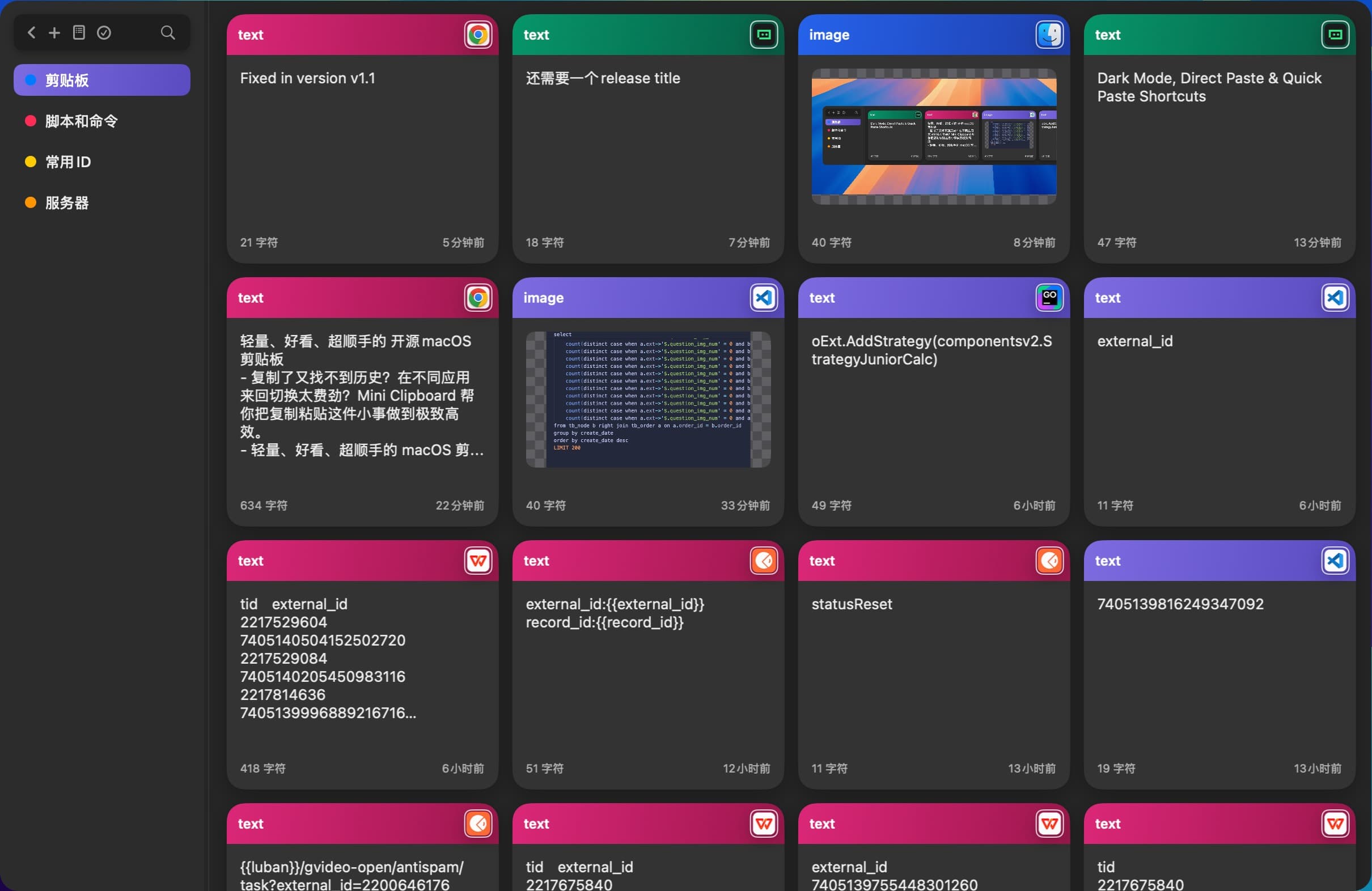
Automatically records text, links, images, files, and colors. Supports rich text and color recognition, never missing any inspiration.
Timeline Browse
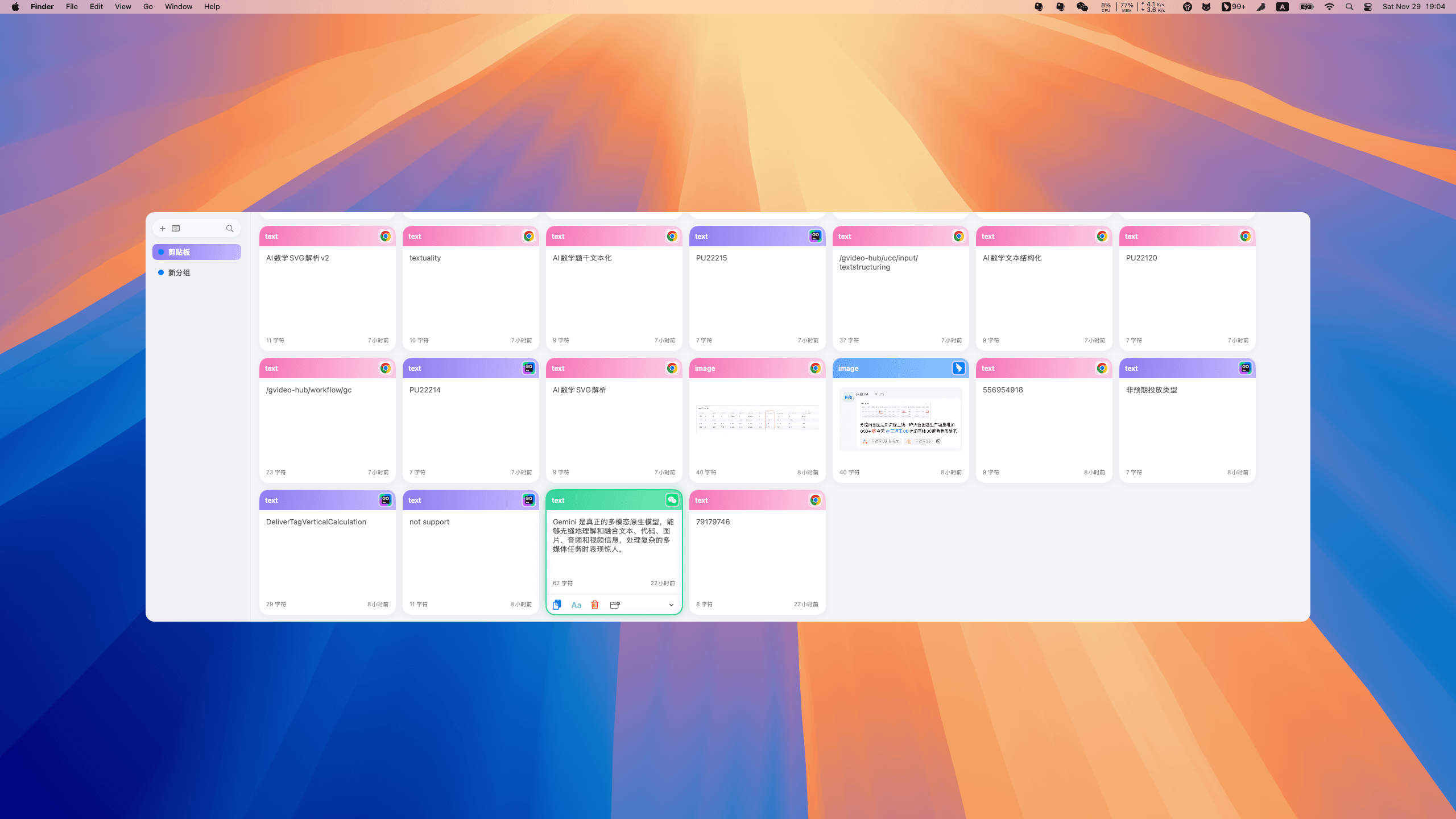
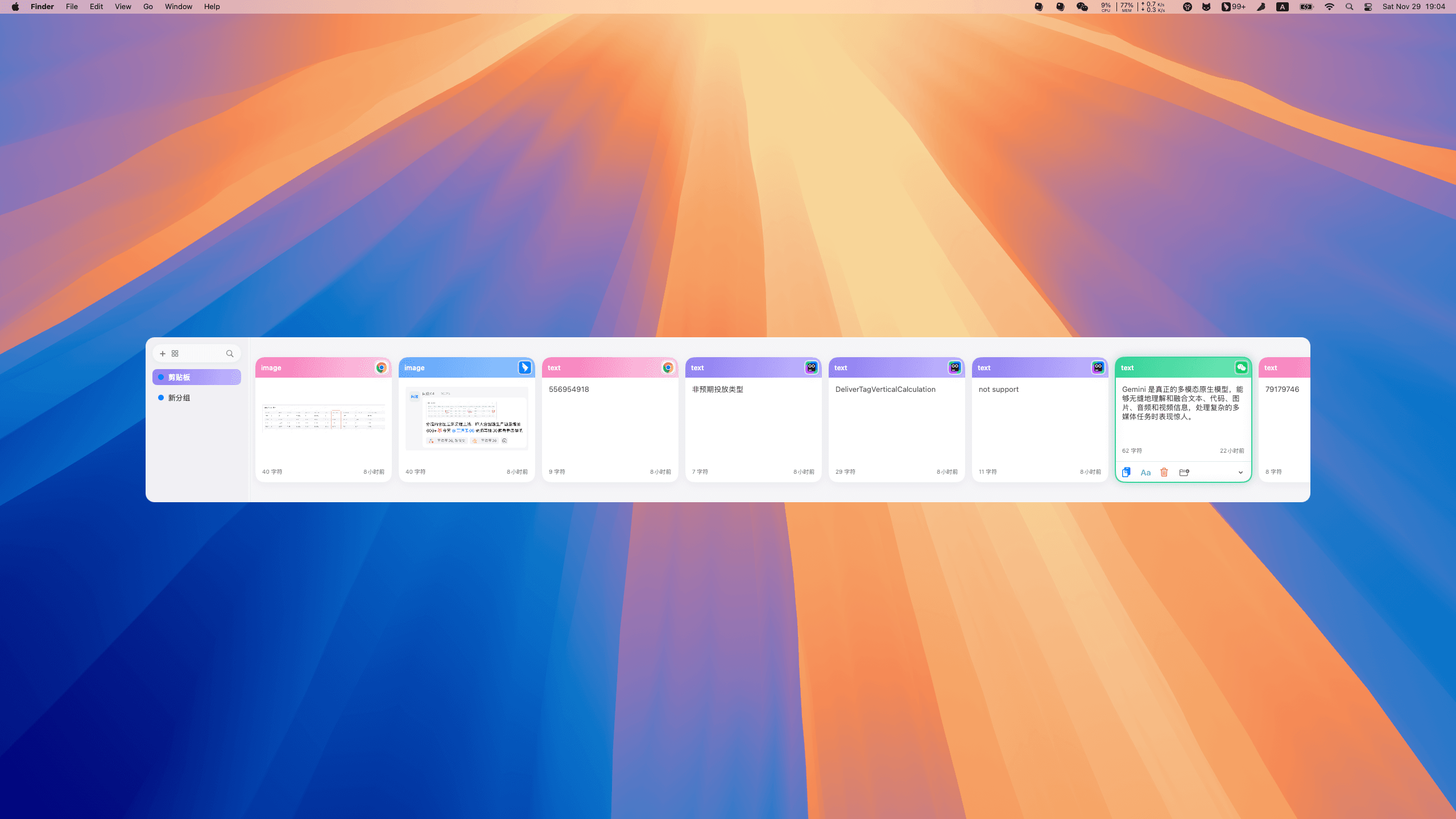
Supports horizontal list and grid views, smooth switching with scroll wheel, and direct preview of image and file metadata.
Pinboards Collection
Create groups to manage frequently used content independently. Supports color tagging and renaming, keeping important information at your fingertips.
Direct Paste
Double-click or press Enter to write to the system clipboard and paste automatically. Supports setting default actions and plain text pasting.
Instant Search
Supports filtering by type and source. Search as you type keywords with millisecond response to quickly locate history records.
Keyboard Efficiency
Cmd+Number keys for quick paste. Supports Shift combination key operations. Full keyboard flow operation is smooth.
Personalized Appearance
Supports dark/light mode switching. Panel size and corner radius are freely customizable to perfectly blend into your system environment.
Batch Operation
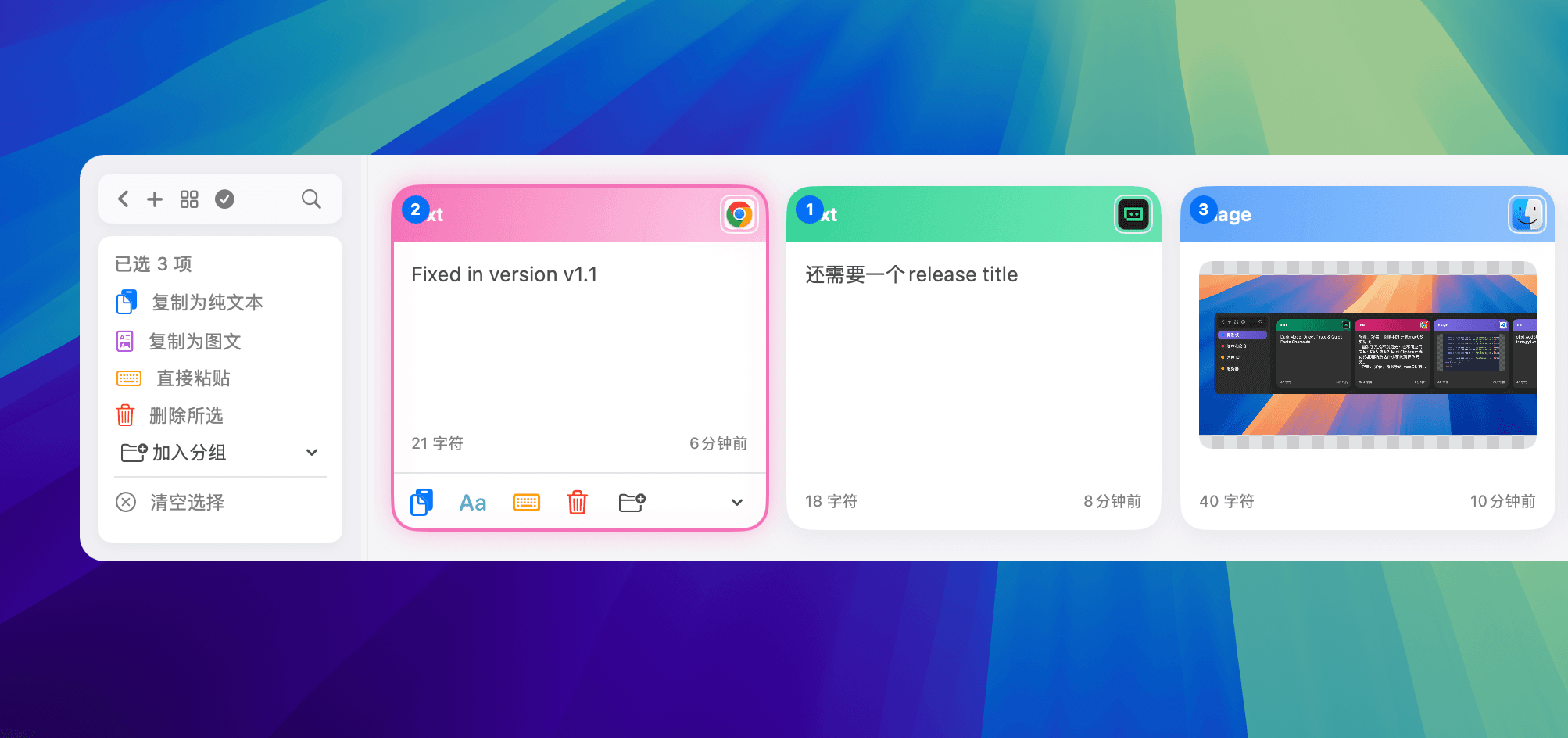
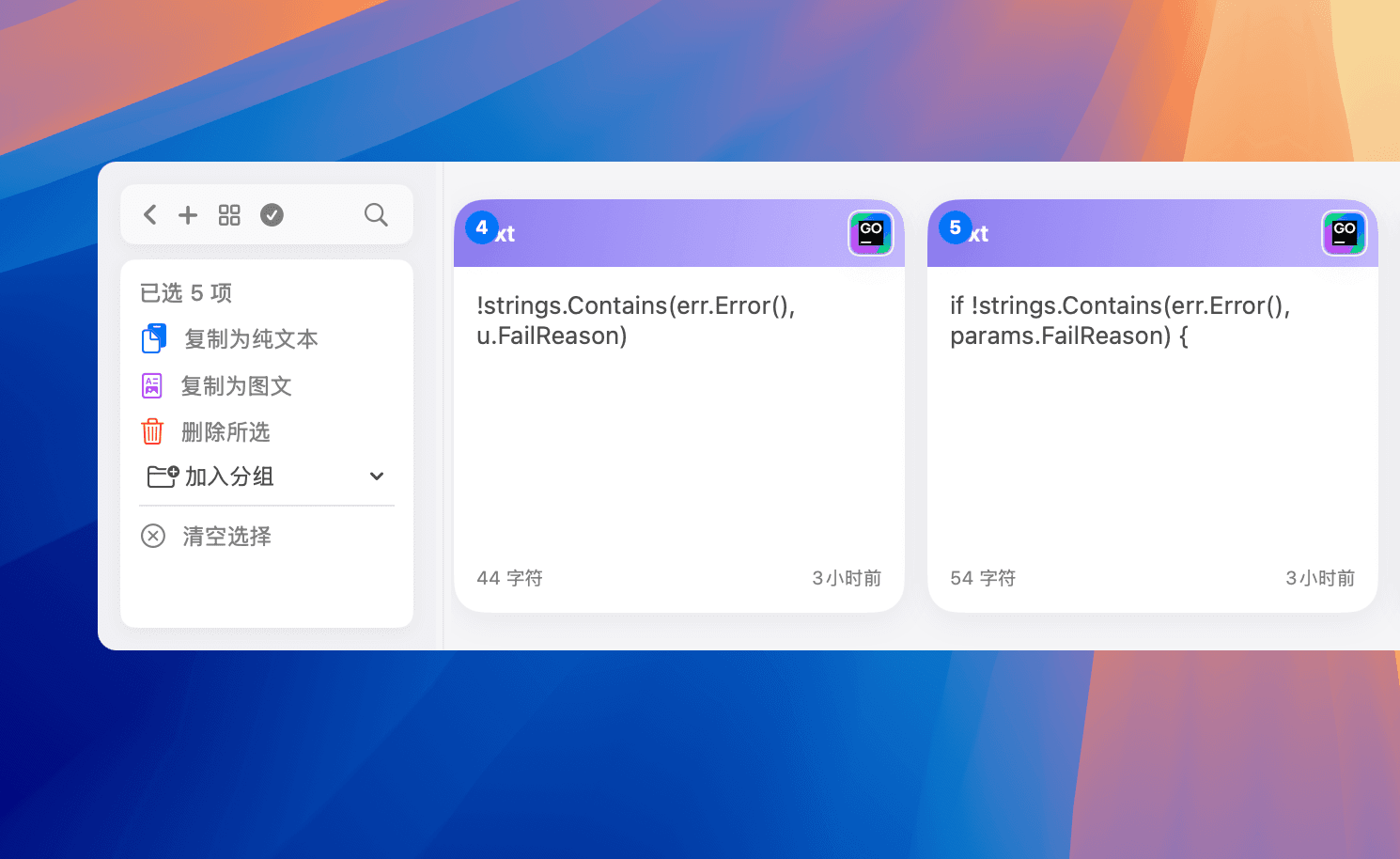
Supports multi-selection of records for batch deletion or organization. New batch operation window makes managing large history easier.
Privacy First
Data is stored completely locally. Supports setting ignored applications. Defaults to keeping 30 days of history. Safe and worry-free.
Understand its power in 60 seconds
No complicated configuration, install and use. See how Mini Clipboard accelerates your daily workflow.
Installation Guide
- Download the latest
.dmgfrom Releases. - Open the downloaded file and drag
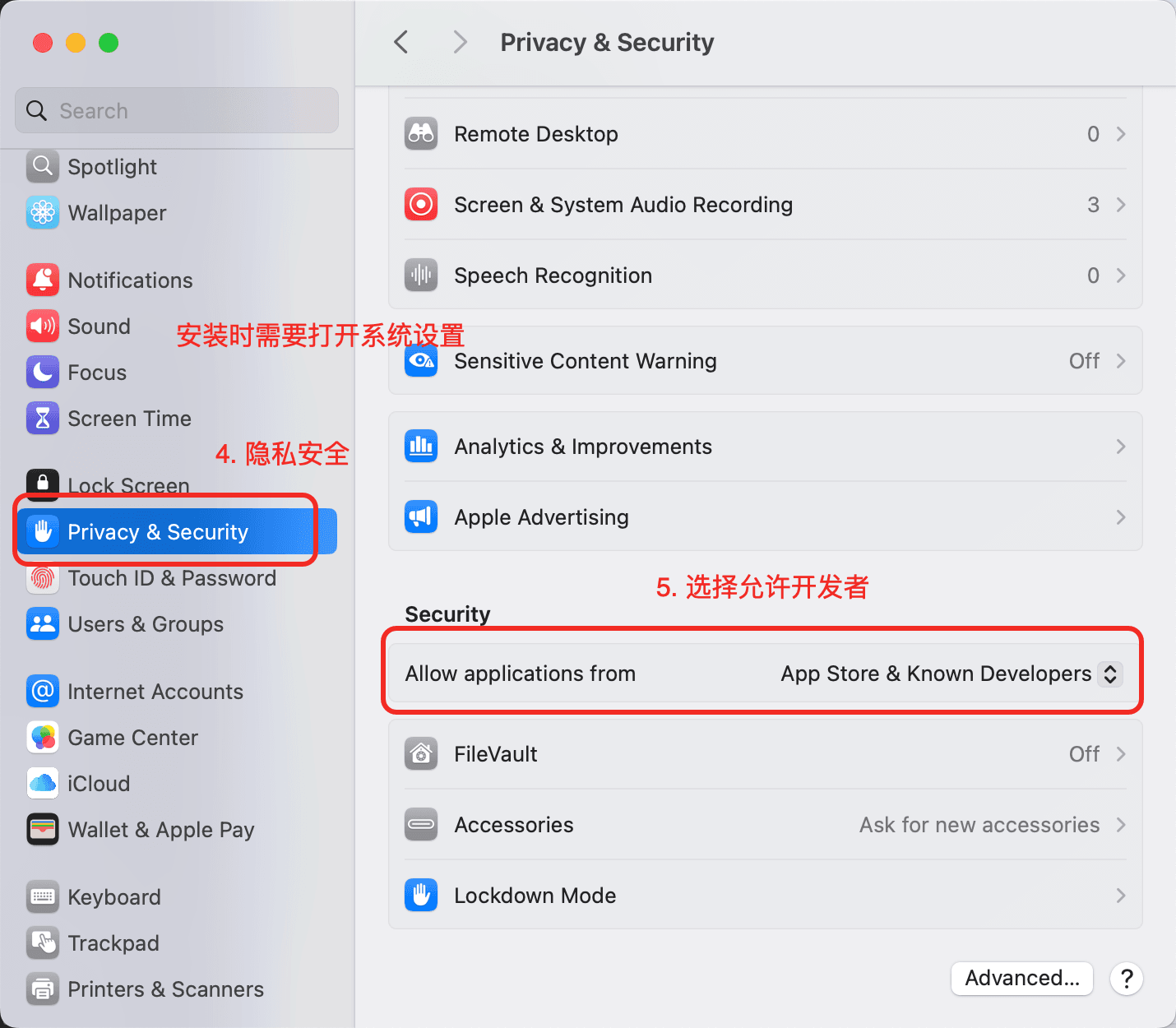
Mini Clipboard.appinto theApplicationsfolder. For the first installation, you need to allow apps from known developers.
- Open "System Settings" → "Privacy & Security" → "Security"
- Click "Open Anyway" or confirm allowing
Mini Clipboard.
- Launch
Mini Clipboardfrom the "Applications" folder.